

Download Video Conferences using Webex – free secure HD video meetings, recording, collaboration
Overview of Webex Video Conferencing
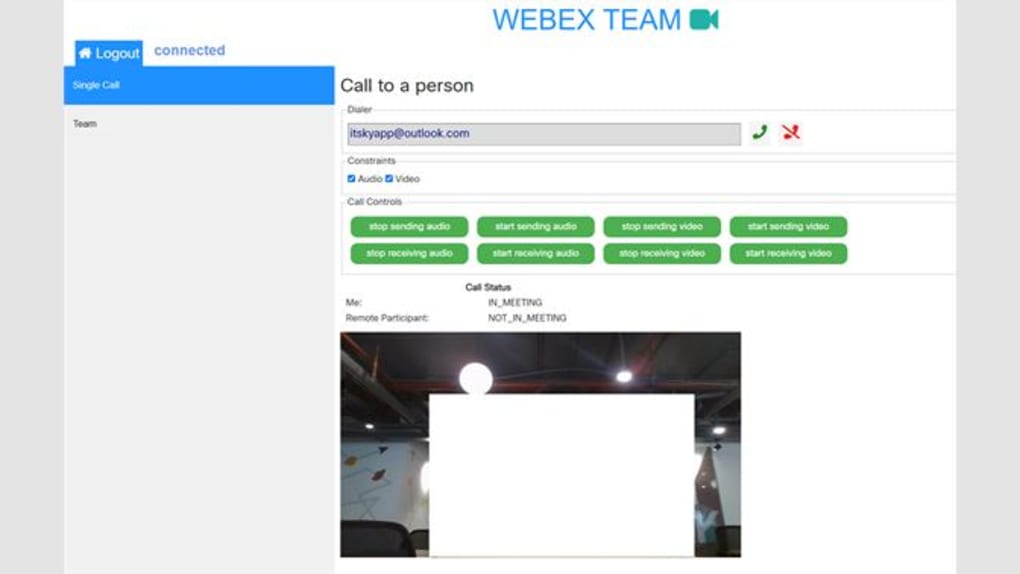
Webex by Cisco has become a cornerstone for remote collaboration in education, business, and personal settings. The platform lets you host high‑definition (HD) video conferences with up to 1,000 participants, record sessions to the cloud or locally, and stream live to a variety of devices. Whether you’re a university student at UConn, a global sales team, or a freelance consultant, Webex provides a secure, cost‑effective way to connect face‑to‑face from anywhere. Its intuitive interface reduces the learning curve, while advanced features like breakout rooms, real‑time transcription, and AI‑powered background noise suppression keep meetings productive. The integration with the ITSKY app further streamlines scheduling, invites, and post‑meeting analytics, turning a simple video call into a full‑featured collaboration hub. Because the service is free for qualified UConn users and offers a generous free tier for the broader public, you can start hosting professional‑grade meetings without a steep price tag. In this review we’ll dive deep into the core capabilities, installation steps, system compatibility, and the pros and cons that matter most to everyday users.
Key Features & Benefits
- HD Multi‑Stream Video: Up to 1080p video quality for each participant, creating a lifelike meeting environment.
- Cloud & Local Recording: Choose between cloud storage for easy sharing or local file saving for offline access.
- Massive Participant Capacity: Host up to 1,000 attendees in a single session, with breakout rooms for 100‑person sub‑groups.
- Cross‑Platform Support: Available on Windows, macOS, Android, iOS, and even classic phone lines.
- Live Streaming Integration: Broadcast meetings directly to YouTube, Facebook, or private corporate portals.
- Secure End‑to‑End Encryption: Industry‑standard encryption protects meeting content from unauthorized access.
- AI‑Powered Features: Real‑time transcription, background noise suppression, and automatic framing.
- Seamless Calendar Sync: Sync with Outlook, Google Calendar, and the ITSKY app for instant invites.
- Screen Sharing & Whiteboard: Share desktops, applications, or use an interactive whiteboard for brainstorming.
- Analytics Dashboard: Track attendance, engagement metrics, and post‑meeting feedback via ITSKY.
These features combine to create a robust video‑conferencing ecosystem that feels both powerful and user‑friendly. For educators, the breakout rooms enable small‑group discussions without leaving the main class. For enterprises, the analytics dashboard provides insight into participant engagement, helping teams refine their presentation strategies. The free tier’s generous limits make it an attractive choice for startups and non‑profits, while the paid plans scale effortlessly for large organizations needing advanced security and compliance controls.
Installation, Setup, and Compatibility
Getting started with Webex is straightforward, whether you’re on a desktop or mobile device. Follow these steps for a smooth installation:
- Download the Installer: Visit the official Webex website or the ITSKY portal, click “Download for Windows/macOS/Android/iOS,” and save the installer file.
- Run the Installer: On Windows, double‑click the .exe file; on macOS, drag the app to the Applications folder. Mobile users tap the store button and follow the on‑screen prompts.
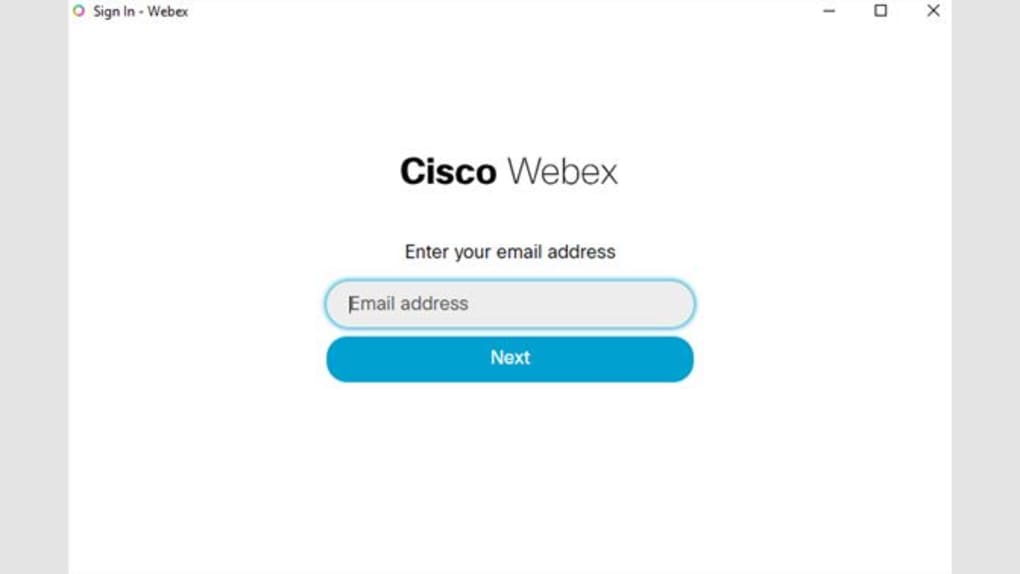
- Create an Account: Use your university credentials (UConn) for a free license or sign up with a personal email for the public free tier.
- Configure Settings: In the Settings menu, enable “Automatic Recording,” select preferred video quality, and connect your calendar (Outlook, Google, or ITSKY).
- Test Audio/Video: Use the “Test Call” feature to verify microphone, speaker, and camera performance before the first meeting.
- Start a Meeting: Click “Host a Meeting,” set a meeting name, invite participants via email or calendar link, and you’re ready to go.
Supported Operating Systems: Webex runs on Windows 10/11, macOS 10.14+ (Catalina and later), Android 6.0+ and iOS 12+. The ITSKY app, which enhances scheduling and analytics, shares the same compatibility matrix, ensuring a consistent experience across devices.
Network requirements are modest: a stable broadband connection of at least 1.5 Mbps for SD video and 3 Mbps for HD. For large‑scale meetings, Cisco recommends a 5 Mbps upload speed to maintain video quality for all participants. The application automatically adjusts bitrate based on real‑time bandwidth, which helps prevent freezes or dropped calls. Security settings can be hardened by enabling two‑factor authentication (2FA) and restricting meeting access with passwords or domain‑based whitelists.
Overall, the installation process takes less than five minutes, and the cross‑platform support means you can join a meeting from a laptop in the office, a tablet in a coffee shop, or a smartphone while traveling. The seamless integration with the ITSKY app also means you can manage meetings centrally, pull reports, and automate follow‑up tasks without leaving the Webex environment.
Pros and Cons of Using Webex for Video Conferencing
Pros
- Crystal‑clear HD video and audio, even on lower‑bandwidth connections.
- Generous free tier with up to 1,000 participants and unlimited meeting duration.
- Robust security features, including end‑to‑end encryption and 2FA.
- Integrated recording options (cloud & local) with easy download links.
- Breakout rooms and AI tools that boost collaboration and accessibility.
- Cross‑platform compatibility ensures participants can join from any device.
- Seamless calendar integration via ITSKY, Outlook, and Google Calendar.
- Live‑streaming capabilities for public events and webinars.
- Detailed analytics dashboard for post‑meeting insights.
- Free for UConn students, making it an ideal choice for academia.
Cons
- Advanced features (e.g., large‑scale webinars, enhanced admin controls) require paid plans.
- Interface can feel cluttered for first‑time users unfamiliar with Cisco’s ecosystem.
- Recording storage on the free cloud tier is limited to 5 GB per user.
- Some users report occasional latency spikes during large breakout sessions.
- Desktop app size is relatively large (~200 MB), which may affect low‑storage devices.
Frequently Asked Questions & Final Thoughts
Can I record a Webex meeting for free?
Yes. The free tier allows you to record meetings to the cloud (up to 5 GB total) or locally on your computer. Cloud recordings can be shared via a link, while local recordings are saved as .mp4 files for offline access.
What is the maximum number of participants in a single Webex meeting?
Webex supports up to 1,000 participants in a single session. For more interactive work, you can create breakout rooms that accommodate up to 100 participants each.
Is Webex compatible with smartphones?
Absolutely. Native apps are available for Android 6.0+ and iOS 12+. The mobile experience mirrors the desktop functionality, including video, screen sharing, and chat.
Do I need a Cisco account to join a Webex meeting?
No. Participants can join as guests using a meeting link. However, hosts need a Cisco account (or UConn credentials for the free academic license) to schedule and manage meetings.
How secure is the data stored in Webex recordings?
All recordings are encrypted both in transit and at rest. You can set password protection on cloud recordings, and local files can be stored on encrypted drives for added security.
Conclusion
Video Conferences using Webex, especially when paired with the ITSKY app, deliver a powerful, secure, and versatile solution for anyone needing reliable online collaboration. The platform’s HD video quality, flexible recording options, and ability to host massive meetings make it suitable for educational institutions, corporate teams, and freelancers alike. While some premium features are locked behind paid plans, the generous free tier—enhanced by UConn’s student license—covers most everyday needs. If you value a secure environment, cross‑device accessibility, and robust analytics, Webex is a top contender in the crowded video‑conferencing market. Download Webex now and start hosting professional meetings without delay.







